





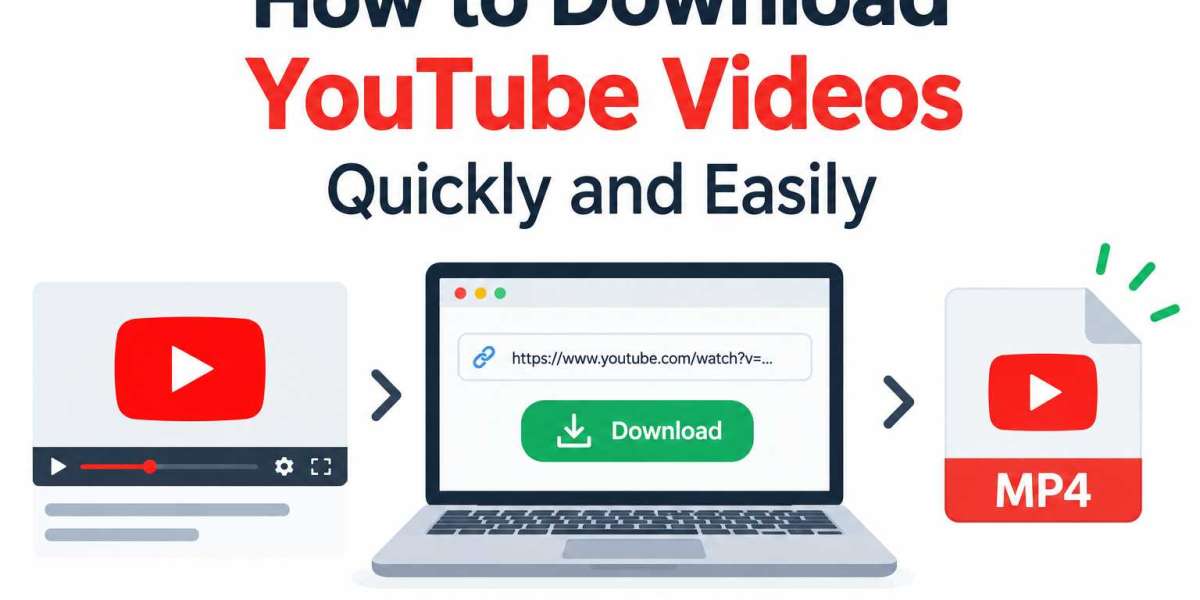
Top 5 Easiest YouTube Video Downloader Tools:
1. SaveYT
SaveYT is an online YouTube video downloader tool designed to easily and quickly download YouTube videos through a web browser. Users can access its downloading interface without installing software on their devices. It is a convenient option for people who want a simple way to process supported video links on PC, Android, or other compatible mobile browsers. SaveYT supports multiple formats and resolutions.
How to Download YouTube Videos?
- Open SaveYT in your web browser.
- Copy the link of a video you want to download.
- Paste the link into the provided input box.
- Select the format and quality options.
- Click the download button.
Key Points:
- Simple browser-based interface.
- No desktop software installation required.
- Accessible through compatible mobile and PC browsers.
- Convenient link-based downloading workflow.
- Multiple format and quality options are supported.
2. Y2mate
Y2mate is an online YouTube downloader that downloads Youtube videos into MP3 and MP4 files for free of cost. It provides a browser-based interface where users can convert YouTube video and download in audio or video formats. Its straightforward layout makes it accessible to beginners as well as experienced users. Y2mate can be accessed from computers and compatible mobile browsers.
How to Download YouTube Videos?
- Visit the Y2mate website.
- Copy the URL of the video you have to download.
- Paste the link into the search box.
- Review the output formats.
- Choose the download button.
Key Points:
- Offers a browser-based conversion interface.
- Supports different output-format options where available.
- No desktop application is required for its basic workflow.
- Can be accessed using compatible mobile browsers.
- Simple link-pasting process for beginners.
3. YTMP4
YTMP4 is an online YouTube to MP4 downloader tool that helps users to downloadYoutube videos into high quality MP4 files. It downloads unlimited Youtube videos without installing any apps or software. It provides multiple video quality options including 720p, 1080p, 2K, 4K, and 8K. Users can use the YTMP4 from compatible desktop and mobile browsers.
How to Download YouTube Videos?
- Open the YTMP4 website.
- Copy the link of the YouTube video.
- Paste it into the website's input field.
- Choose the MP4 format and quality options.
- Then save the file to click the download.
Key Points:
- Work online without apps.
- Does not require software installation.
- No limits on download.
- Can be accessed through compatible mobile browsers.
- Offers multiple video quality and format.
4. Y2meta
Y2meta is an online YouTube downloader that provides a simple and easy interface for downloading audio and video from Youtube. It is designed for users looking for accessible video or audio format options without installing extensions, apps or software. Y2meta downloader is compatible with all devices like PC,Tablet and mobile devices. Its completely free, fast and unlimited video downloads.
How to Download YouTube Videos?
- Visit the Y2meta website.
- Copy the video URL you like to save.
- Paste it into the conversion box.
- Select format and quality options.
- Choose the download button to save the MP3/MP4 file.
Key Points:
- Online video and audio conversion.
- Offers video and audio conversion options.
- No software installation needed for download.
- Works across compatible desktop and mobile devices.
- download unlimited YouTube videos.
5. YTMP3
YTMP3 is a free YouTube to MP3 converter that lets users convert and download Youtube videos to MP3 audio. It is designed for users who want an audio-only file. Its simple browser-based interface makes it accessible on compatible computers and mobile devices. There are no limits on downloading audio files. You can use YTMP3 without any registrations.
How to Download YouTube Videos?
- Open the YTMP3 website.
- Copy the link to the video.
- Paste the URL into the provided input box.
- Select MP3 output is.
- And save the audio file.
Key Points:
- Offers MP3 audio conversion.
- Browser-based interface for convenient access.
- No desktop application installation required.
- Accessible on compatible PC and mobile browsers.
- Supports multiple Audio quality.


